


Download Periscope Pro – Mac Motion‑Sensitive Surveillance Tool
Intro & Overview
Periscope Pro transforms any Mac into a powerful, motion‑sensitive surveillance system that can monitor homes, offices, pets, or public spaces from anywhere in the world. By leveraging the built‑in iSight camera and microphone—or an external IP camera—this software detects movement and sound, then instantly alerts you through customizable notifications. Unlike traditional video recorders that fill storage with endless footage, Periscope Pro records only when meaningful activity occurs, saving hard‑drive space and reducing the time you spend sifting through hours of video. Whether you need to keep an eye on your children, check in on a beloved pet, or watch a remote office, Periscope Pro delivers a flexible, secure, and user‑friendly solution that works on macOS without requiring advanced technical knowledge.
Core Features, Installation & Compatibility (Pros & Cons Included)
Feature Highlights
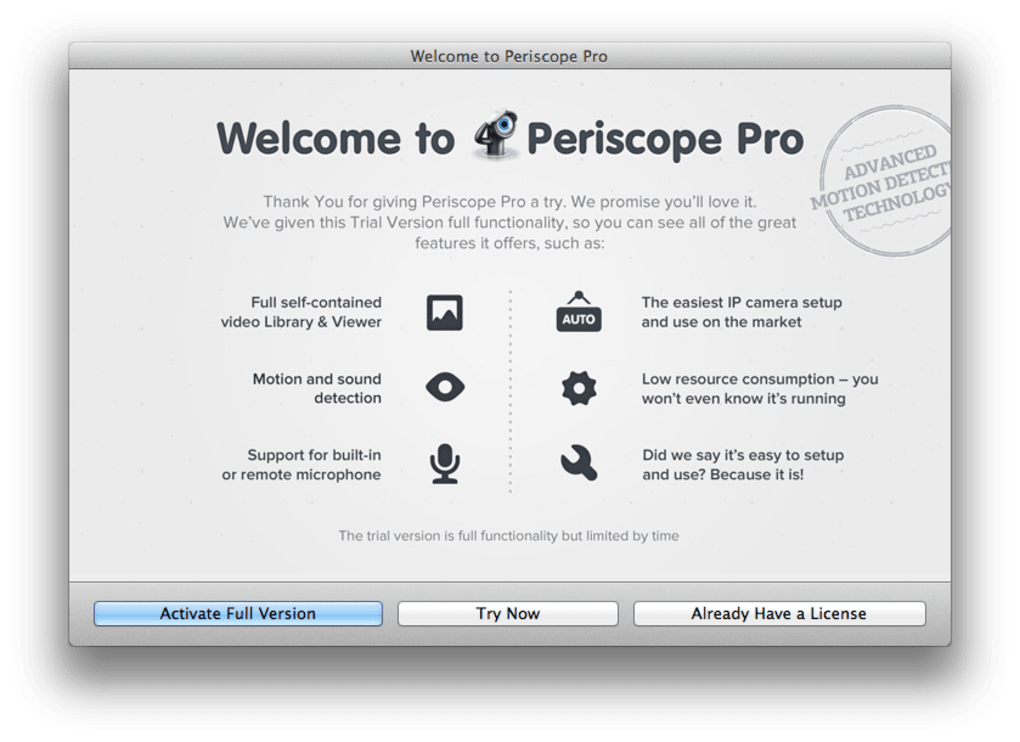
- Automatic IP‑camera detection and configuration – just enter the camera’s IP address and select the model.
- Motion and sound detection with adjustable sensitivity to avoid false alarms from pets or passing shadows.
- Selective recording – captures only events that matter, preventing storage overload.
- Full‑time 24/7 recording option with support for external drives for extended storage.
- In‑app Clip Library with thumbnail previews and one‑click playback.
- Cloud upload to Dropbox for remote access to footage (ideal for fast broadband connections).
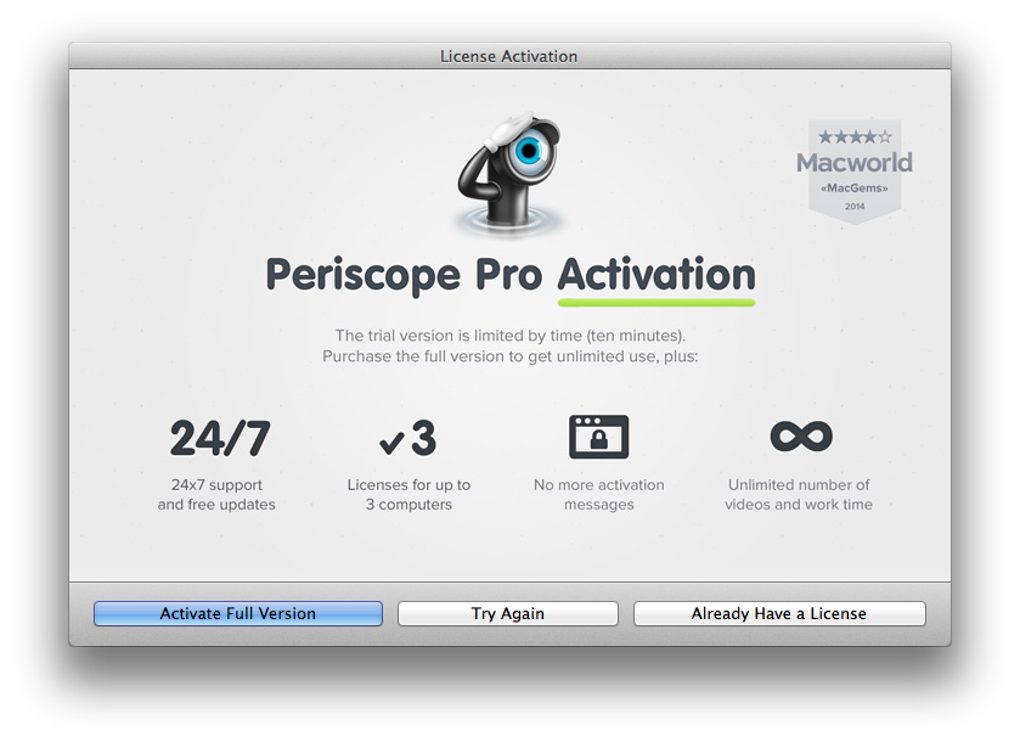
- 24‑hour developer support with response times under one hour.
- Secure, encrypted connections to protect your video streams from interception.
Installation & Daily Use
Getting Periscope Pro up and running is straightforward. After downloading the installer from the official website, double‑click the .dmg file and drag the app into your Applications folder. The first launch launches a brief wizard: you’ll be prompted to grant camera and microphone permissions, a necessary step for macOS security.
For built‑in iSight usage, simply confirm the default settings. If you prefer an external IP camera, enter its IP address, choose the correct model from the dropdown, and let Periscope Pro handle the configuration automatically. Advanced users can switch to manual mode to fine‑tune network ports, frame rates, and encoding options.
Once configured, the main dashboard displays live video, a motion‑heat map, and a side panel with the Clip Library. To adjust sensitivity, click the gear icon, select “Detection Settings,” and move the slider until the preview shows only significant motion triggers. Alerts can be delivered via macOS notifications, email, or push messages to your iPhone using the companion app (available on iOS). Recorded clips are stored locally in a designated folder; you can set up automatic syncing with Dropbox for off‑site backups. For continuous recording, attach an external USB drive or network‑attached storage (NAS) and point the storage path in the Settings menu.
Compatibility
Periscope Pro is designed exclusively for macOS 10.15 (Catalina) and later, running on Intel‑based Macs as well as Apple Silicon (M1, M2) devices. The software runs natively on both desktop and laptop configurations, and it supports 64‑bit architecture for optimal performance. While the primary focus is on macOS, the companion mobile app is available for iOS 13+ and Android 8+, allowing you to receive alerts and view live streams on the go.
Pros & Cons
Pros
- Easy automatic setup for most popular IP cameras.
- Highly customizable motion sensitivity reduces false alarms.
- Selective recording saves disk space and simplifies video review.
- Dropbox integration provides secure off‑site storage.
- Responsive 24‑hour support helps resolve issues quickly.
- Native macOS performance on both Intel and Apple Silicon.
Cons
- Full 24/7 recording requires external storage for prolonged use.
- Cloud upload speed depends heavily on your internet bandwidth.
- No built‑in web portal; remote viewing relies on the companion mobile app.
- Limited to macOS – no native Windows or Linux version.
Frequently Asked Questions
Can Periscope Pro work with any IP camera?
Periscope Pro supports a wide range of popular IP cameras from brands like Axis, Hikvision, and Amcrest. The automatic setup covers most models, but for less common cameras you can use manual configuration to specify the RTSP stream URL.
Is my video data encrypted?
Yes. All video streams between your Mac and the IP camera are secured with SSL/TLS encryption, and any cloud uploads to Dropbox are also encrypted in transit and at rest.
How does motion sensitivity affect battery‑powered cameras?
Higher sensitivity may cause more frequent recordings, which can drain battery‑powered cameras faster. Adjust the sensitivity slider to balance detection accuracy with power consumption.
Can I view live footage while I’m away?
Yes. The companion iOS and Android apps provide real‑time streaming, allowing you to check live video from anywhere with an internet connection.
What happens if the Mac crashes or restarts?
Periscope Pro runs as a background service. After a restart, it automatically resumes monitoring and will continue recording based on your saved settings.
Final Verdict & Call to Action
Periscope Pro stands out as one of the most intuitive and feature‑rich surveillance solutions for macOS users. Its ability to blend automatic IP‑camera configuration with granular motion‑sensitivity controls gives both novices and tech‑savvy users a reliable way to keep an eye on what matters most. While the need for external storage for continuous recording and the lack of a native Windows version are minor drawbacks, the overall value—especially the selective recording and secure cloud backup—far outweighs these limitations. If you’re looking for a secure, easy‑to‑set‑up surveillance app that works seamlessly on your Mac, Periscope Pro is a smart investment.
Ready to protect your home or office? Download Periscope Pro today, follow the quick setup guide, and start receiving instant alerts the moment something moves or sounds. Experience peace of mind, whether you’re at work, traveling, or simply on the couch.







